 Compliment Jar
The love notes app your people fill for you
Compliment Jar is a love notes app with one twist: you don't write the notes. The friends, family and partner who love you do, privately, and you open one at a time on a day you need it.
 Scan to get Compliment Jar on your phone. Free to start; one account on phone and web.
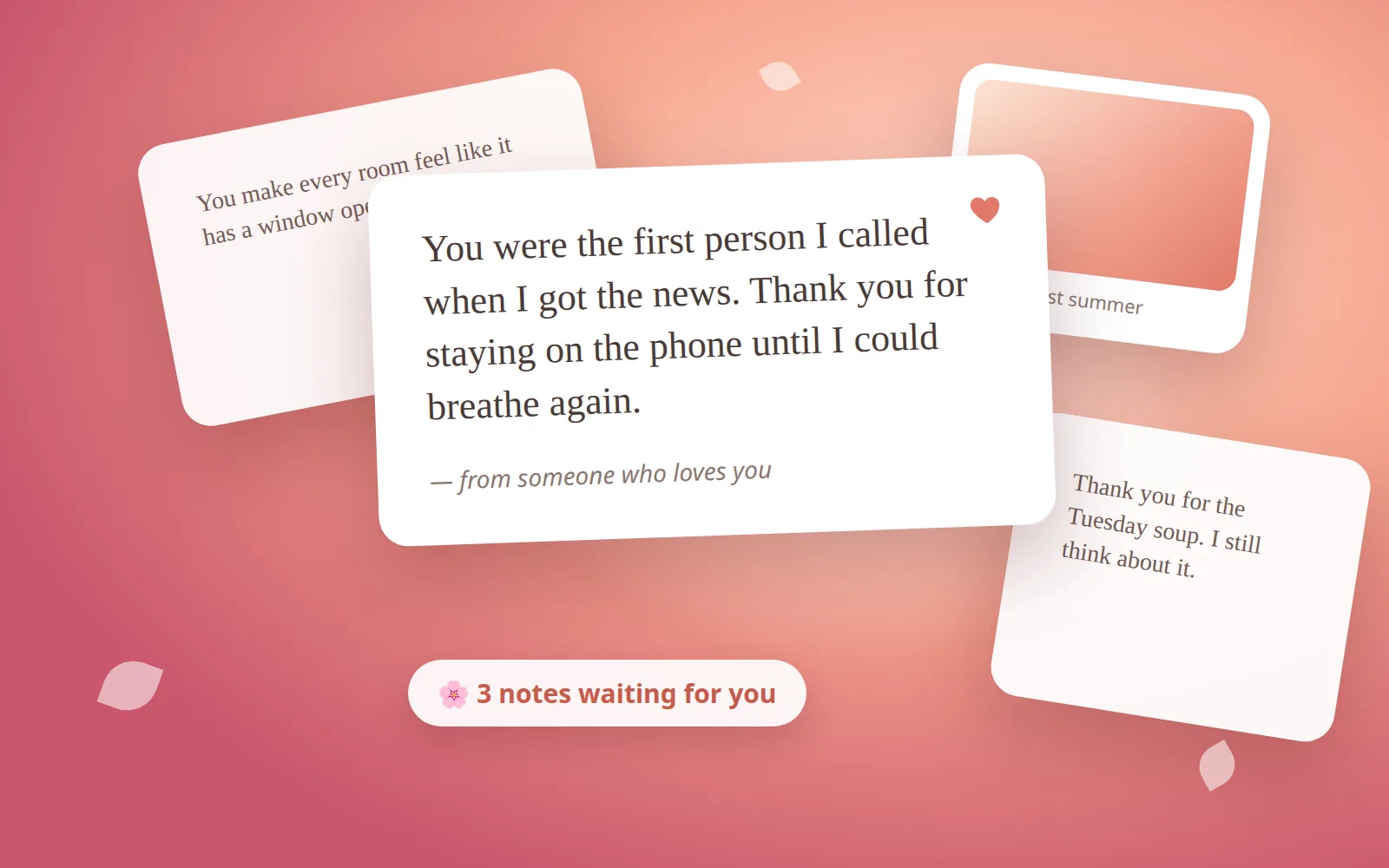
A box of kind words, opened one at a time
No feed, no streaks, nothing generated. Just the people who know you, saying what they value in you.
Make your box
Sign in and your box is ready in seconds. Or make one for someone going through a hard season and invite their people.
Invite your circle
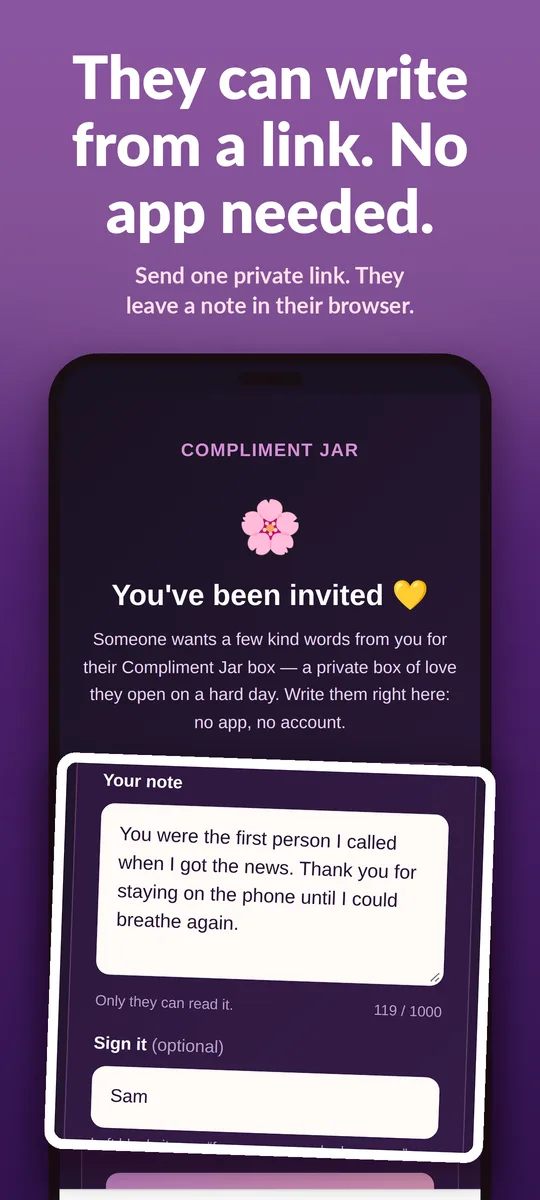
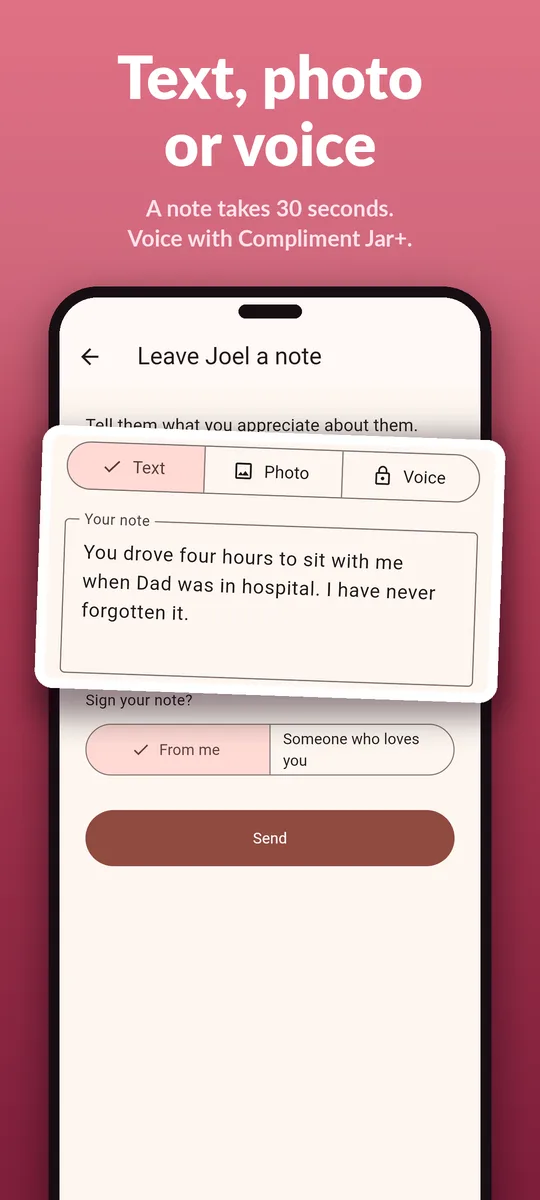
Send a private, single-use link. They leave a note as text, a photo or a voice clip; text works right from the link, no app needed.
Open one on a hard day
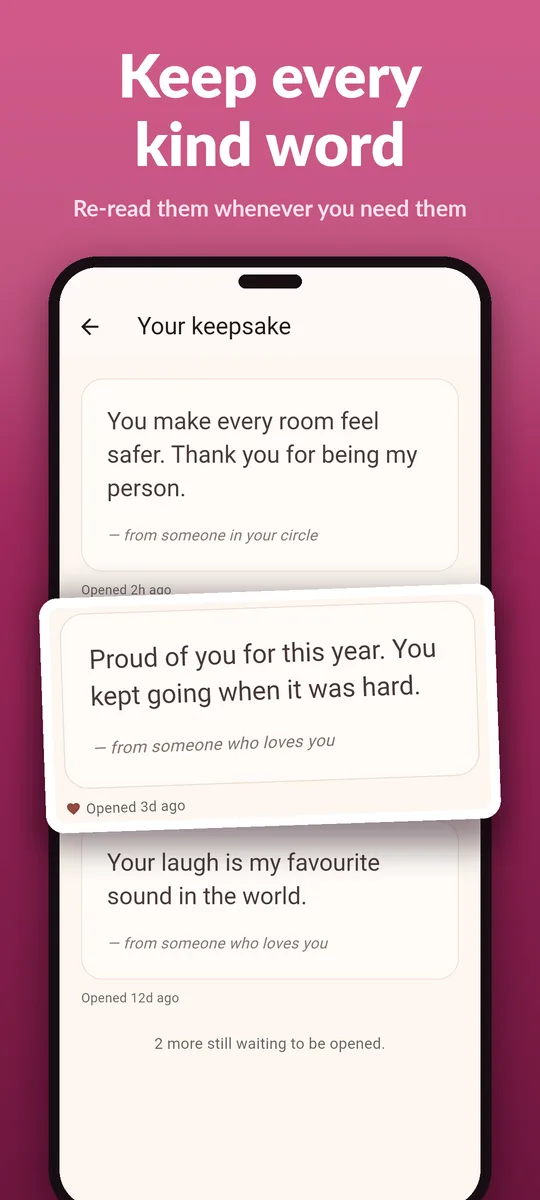
One note at a time, with a small moment of ceremony. Save the best ones for a hard day; everything you open stays in your keepsake.
One love notes app, many ways to say it
A compliment jar app you can carry
The classic compliment jar, minus the paper slips: every kind word lands in a box on your phone and in your browser. Compliment jar ideas
A love notes jar that refills
A love notes jar empties; your box keeps getting notes as long as your circle keeps writing, and each one waits until you open it.
A love notes app for couples
Make a box each and invite each other. A note written on a good day is there for the other on a bad one.
A love letter app for the long ones
Up to a thousand characters, a photo with a caption, or a voice clip. Sign it, or send it from "someone who loves you".
An encouragement notes app for hard seasons
Burnout, grief, a move, a diagnosis. "Open one when I'm struggling" surfaces a note you saved for exactly that day. What to say to someone going through a hard time
Open-when letters, built in
Save a note for a hard day and it waits, like an open-when letter you can't misplace. Open when letters ideas
Calm screens, real words
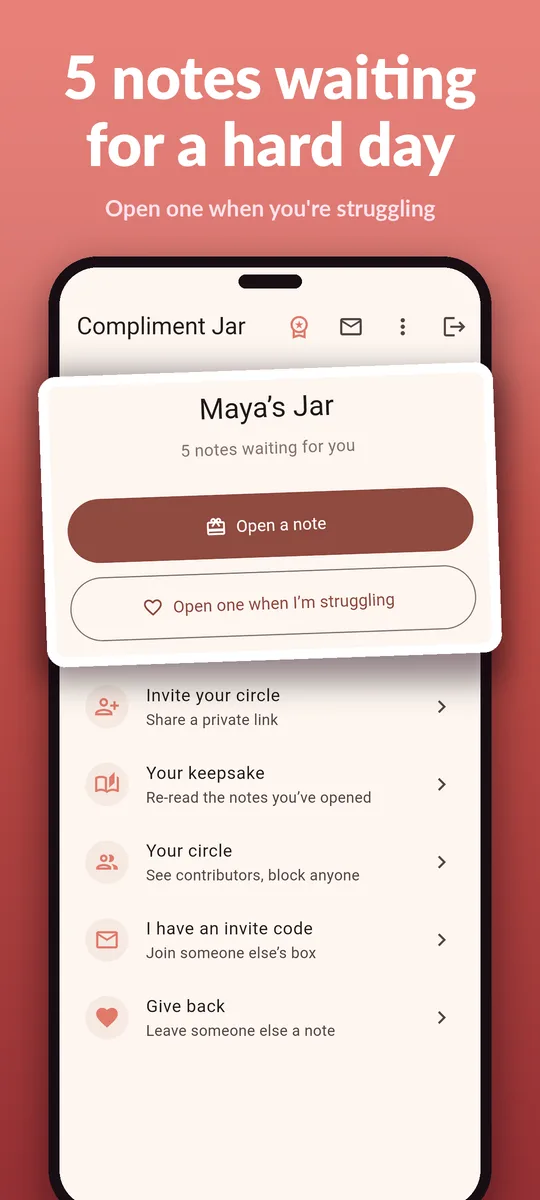
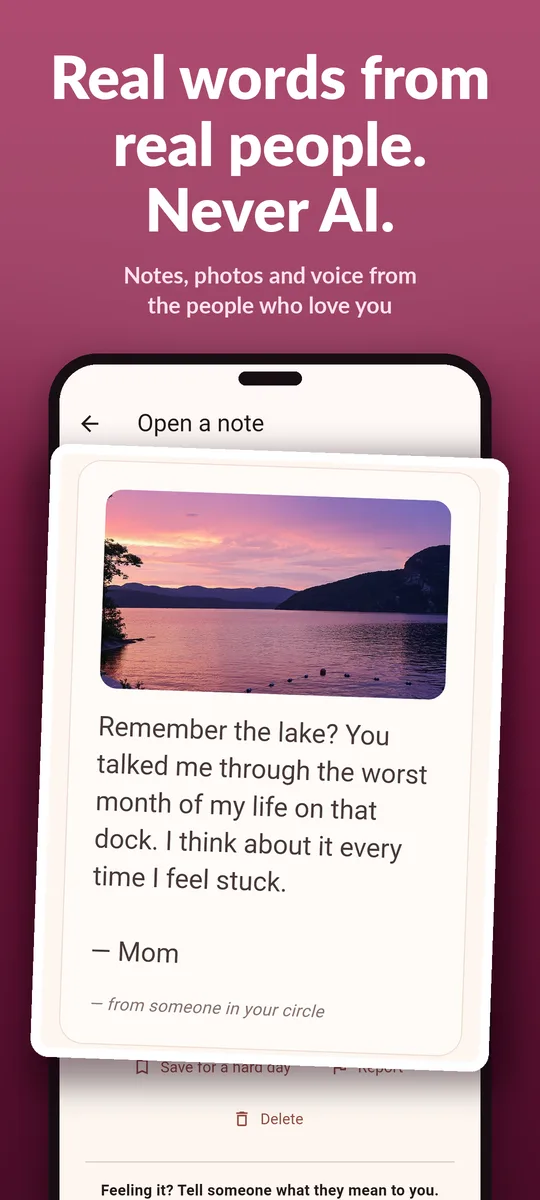
Your box on any screen
Open bloom.adelyons.com/app on a laptop and it's the same box: the notes waiting for you, your keepsake, your circle and the boxes you write to. Sign in with Google, or let Compliment Jar on your phone approve the browser with a short code (handy on iPhone, where Compliment Jar signs in with Apple).
What syncs
Everything lives in your account, so the phone and the browser always agree: open a note on one and it's in your keepsake on the other. Compliment Jar+ follows the account too, wherever you bought it.
What stays on the phone
Recording voice notes and the gentle nudge when a note arrives. Voice notes play in the browser.
Compliment Jar next to the usual ways
| Compliment Jar | A paper compliment jar | Affirmation and quote apps | A group chat | |
|---|---|---|---|---|
| Who writes it | People who know you | People who know you | Nobody you know | People who know you |
| Paced for a hard day | One at a time, saved for later | One slip at a time | An endless feed | Lost in the scroll |
| Photos and voice | Yes | No | No | Yes, buried |
| Keeps everything | Keepsake, on phone and web | Until it's thrown out | Not your words | Hard to find again |
| Private | Only you read it; block in one tap | Yes | n/a | Everyone in the chat |
Love notes app FAQ
Who writes the notes in Compliment Jar?
The people you invite: friends, family, a partner, a team. Each gets a private single-use link and leaves a note as text, a photo or a voice clip. Compliment Jar never writes notes and never uses AI to make compliments.
Is Compliment Jar a compliment jar app?
Yes, it is a compliment jar you can carry: instead of folded paper slips, the people who love you leave notes in your box, and you open one at a time when you need it.
Is there a love notes app for iPhone?
Compliment Jar is on the App Store for iPhone and iPad, on Google Play for Android, and in any browser at bloom.adelyons.com/app. One account opens the same box everywhere.
Can couples use it as a love notes app for couples?
Yes. Each partner makes a box and invites the other, so you both have a place to leave love notes that wait until the other one opens them.
Do the people writing need the app?
No. Someone with your invite link can write a text note right on the invite page in their browser. Photo and voice notes are left from the app or, for text and photo, from Compliment Jar on the web.
Is Compliment Jar free?
Making a box, inviting people, text and photo notes and your keepsake are free. Compliment Jar+ adds voice notes; it is sold in Google Play, the App Store and on the web, and one purchase covers the account everywhere.
Can I use Compliment Jar on a computer?
Yes. Open bloom.adelyons.com/app and sign in with Google, or sign in with your phone: Compliment Jar on your phone approves the browser with a short code. It is the same box, notes and circle as on your phone.
Who can see my notes?
Only you. People in your circle can write to your box but can never read it, and you can block anyone in one tap.
Get Compliment Jar on your phone
A gentle nudge when a note arrives, voice notes, and your box in your pocket. Free on Google Play and the App Store.
Guides
🎁 A free month for you and a friend
Invite a friend from the Compliment Jar phone app and you both get 30 days of Compliment Jar+, free.
- Install Compliment Jar on your phone.
- Open Invite a friend and share your code.
- Got a code from a friend? Enter it under Have an invite code? within 14 days of installing.
Invites are redeemed in the phone app. How invites work